Scope: Global. Model architecture information was checked against current model cards and published papers on 2026-05-28. Parameter counts and architecture details vary between model families.
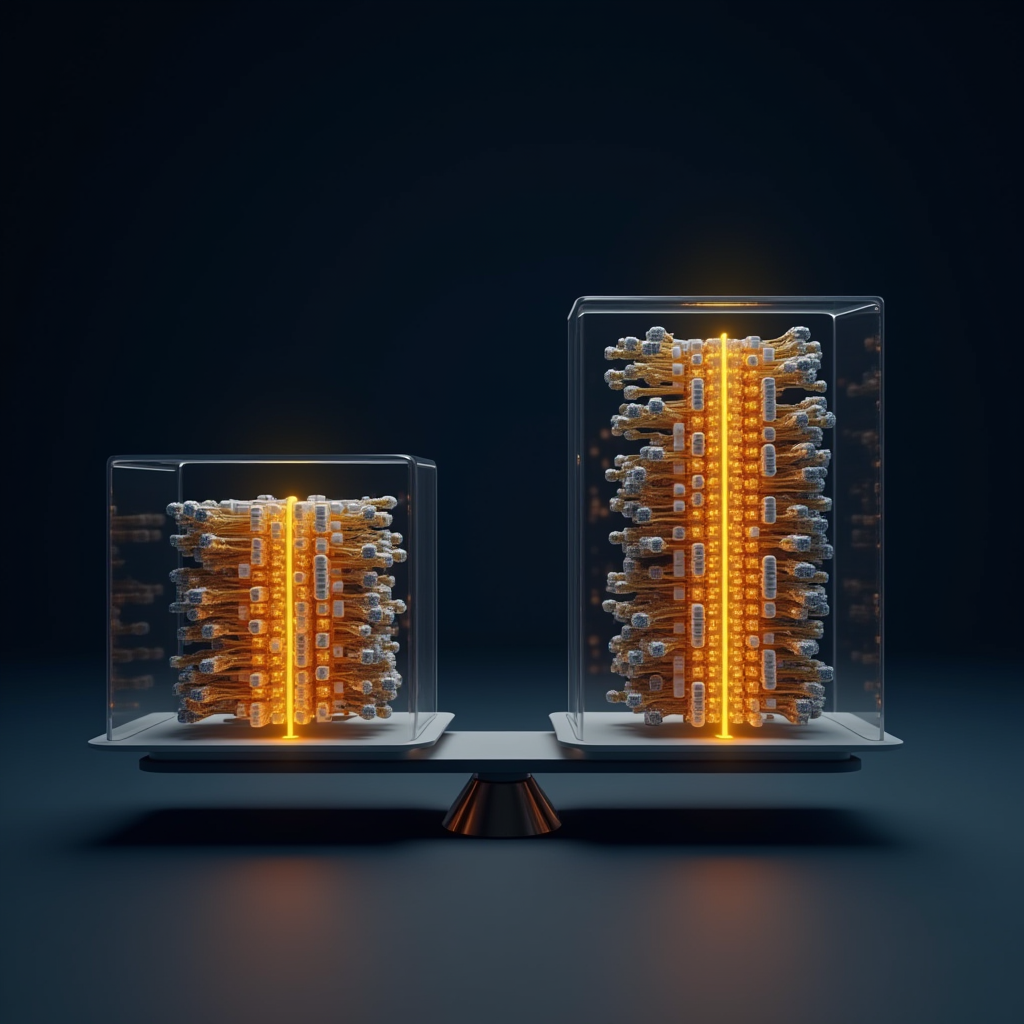
Model parameters and sizes: why 7B, 70B and MoE labels can mislead A 7-billion-parameter model is not automatically “worse” than a 70-billion-parameter model. A 70B model is not automatically “too big” for your task. Parameter count is a rough indicator of capacity, not a scoreboard. The short answer is: parameter count tells you how many weights the model has, not how well it performs on your specific task. Active parameters, quantisation, training data quality and architecture matter as much as the headline number. If you only remember one thing: a carefully tuned 7B model can outperform a default 70B model on a narrow, well-defined task. A 70B model can be overkill for classification but essential for nuanced reasoning. Pick by task fit, not by parameter bragging rights.
## TL;DR - **Parameter count ≈ model capacity and memory requirement.** More parameters generally allow more knowledge and more nuanced reasoning, but also more GPU memory and slower inference.
- **Active parameters ≠ total parameters.** MoE models have many more total parameters than they use per token. The "70B" label may mean 7B active + 63B in reserve.
- **Quantised models hide their true memory cost.** A Q4 quantised 70B model needs ~35GB of VRAM — within reach of a single consumer GPU at lower quality, far less than the 140GB a full-precision model needs.
- **Benchmark scores correlate loosely with parameter count.** Smaller models trained on better data or for longer can outperform larger models on specific benchmarks. Typical hardware requirements (approximate, quantised at 4-bit): | Model size | VRAM (Q4 quant) | Typical hardware |
| | | |
| 1–3B | 1–2 GB | CPU, phone, laptop |
| 7–8B | 5–7 GB | RTX 3060+, Mac M-series |
| 13–14B | 8–10 GB | RTX 4070+, Mac M2 Pro+ |
| 30–34B | 18–22 GB | RTX 3090, 4090, A10 |
| 70–72B | 35–45 GB | A100, 2×4090, dual GPU |
| 120B+ | 65+ GB | A100 80GB, H100, multi-GPU | ## What parameter count measures (and does not) ### What it measures - The total number of trainable weights in the model.
- A rough proxy for the model's capacity to store knowledge and learn patterns.
- A strong predictor of memory requirements and inference cost. ### What it does not measure - Training data quality or coverage.
- Architecture efficiency (a 7B model with a great architecture may beat a 14B model with a poor one).
- Task-specific performance — parameter count does not predict how well the model will handle your prompt format, domain vocabulary or edge cases.
- Inference speed — a smaller model can be slower than a larger one if it has a less optimised runtime or attention mechanism.
- Quantisation sensitivity — some models degrade less than others when quantised to 4-bit. ## A practical selection framework Instead of "bigger = better," use this decision tree: 1. **What hardware do you have available?** If you have 8GB VRAM, you cannot run a 70B model at useful speed. Choose a 7B or 8B model and optimise your prompt and data pipeline instead.
2. **What is the task complexity?** Classification, extraction and simple Q&A rarely benefit from models beyond 7–8B. Multi-step reasoning, code generation and long-context analysis may need 34–70B.
3. **What latency do you need?** A 70B model at 4-bit quantisation may serve 20–40 tokens/second on a single A100. A 7B model on the same hardware can serve 200+ tokens/second.
4. **What is your tolerance for errors?** If errors cost real money, a 70B model with better reasoning may justify the higher inference cost. For non-critical tasks, a smaller model is almost always the better economics. ### Worked example: 7B vs 70B for customer sentiment extraction Task: Classify customer support tickets as positive, negative or neutral. 100,000 tickets/month. Output: one word. A 7B model (Mistral 7B) running locally on a single RTX 4090: hardware cost ~$0 for an existing GPU, inference speed ~150 tokens/second, accuracy ~92–94% on sentiment. A 70B model (Llama 3.1 70B) via API: $2.00/M input + $8.00/M output. At 200-token prompts and 1-token outputs: $40/month for input, $0.80/month for output. Total ~$41/month. The 7B model is essentially free if you already have the hardware, and its accuracy is within 1–3 points of the 70B for this simple task. The 70B API cost is still manageable, but the incremental accuracy gain may not be worth the pipeline complexity. ## Understanding MoE labels Mixture-of-Experts models carry a confusing parameter label. A model may be advertised as 47B parameters but only use 12B per token. That means: - **Total parameters:** 47B (the full model on disk).
- **Active parameters per token:** 12B (the subset of expert networks that fire for each input).
- **Practical inference cost:** closer to a 12B model in compute, but 47B in memory. This makes MoE models appealing for throughput — they process more tokens per second for their memory footprint than dense models — but the parameter label is genuinely misleading. Always check the active parameters count, not the total count, for inference cost estimates. For a deeper treatment of how MoE routing works and why the active-parameter distinction matters for inference cost, see our [full guide to mixture of experts models](/diff/mixture-of-experts-models-why-active-parameters-matter/). ## What this page cannot tell you This page cannot tell you which model size is right for your workload. Only testing with your specific prompts, data and quality thresholds will answer that. Parameter count is a starting point, not a finish line. ## Related guides - [Quantisation explained: why model files have Q4, Q5 and GGUF labels](/diff/quantisation-explained-why-model-files-have-q4-q5-and-gguf-labels)
- [Local LLM runtimes: Ollama, llama.cpp, vLLM and TGI in plain English](/diff/local-llm-runtimes-ollama-llama-cpp-vllm-and-tgi-in-plain-english)
- [Mixture of experts models: why active parameters matter](/diff/mixture-of-experts-models-why-active-parameters-matter)
- [GPU rental for LLM inference: what an operator needs to know](/comparisons/gpu-rental-for-llm-inference) ## Methodology - **Data checked:** 2026-05-28
- **Sources consulted:** Model cards and published papers for major open-weight model families (Llama, Mistral, Qwen, DeepSeek); hardware requirements from inference runtime documentation.
- **Assumptions:** VRAM estimates assume 4-bit quantisation using llama.cpp GGUF or similar. Active parameter counts for MoE models vary by implementation. Model architecture details change between versions. Hardware and cloud GPU pricing changes over time.
- **Limitations:** This article provides a conceptual framework for understanding parameter counts. Specific model capabilities, hardware requirements, and pricing are volatile and should be checked against current documentation.
- **Jurisdiction:** Global. No jurisdiction-specific guidance is included. ## Trust Stack - **Last checked:** 2026-05-28
- **Corrections:** [Contact us](/contact/) to report errors ## Source list - Llama 3.1 model card — Meta AI (accessed 2026-05-28)
- Mistral model documentation — https://docs.mistral.ai/ (accessed 2026-05-28)
- Qwen model cards — available via Hugging Face model repos (accessed 2026-05-28)
- llama.cpp documentation — https://github.com/ggerganov/llama.cpp (accessed 2026-05-28)
- vLLM documentation — https://docs.vllm.ai/ (accessed 2026-05-28) ## Change log - **2026-05-28:** Converted Editor's Notes to standard `